Resizing Images
To resize an image, OpenCV provides an easy function cv2.resize(). This method takes the following arguments:
1. img: An image to resize
2. A tuple of target resize (width, height)
3. $f_x$ and $f_y$: factors for resizing. For example: $f_x$ = .5 and $f_y$ = .5 means resize the width and height by half
4. Interpolation method: The method use to resize the image. For example: cv2.INTER_LINEAR, cv2.INTER_NEAREST
Implementing Resizing example
import cv
import numpy as np
import matplotlib.pyplot as plt

%matplotlib inline
%config InlineBackend.figure_format = 'retina'
cat = cv2.imread('cat.jpg')
cat = cv2.cvtColor(cat, cv2.COLOR_BGR2RGB)
plt.imshow(cat)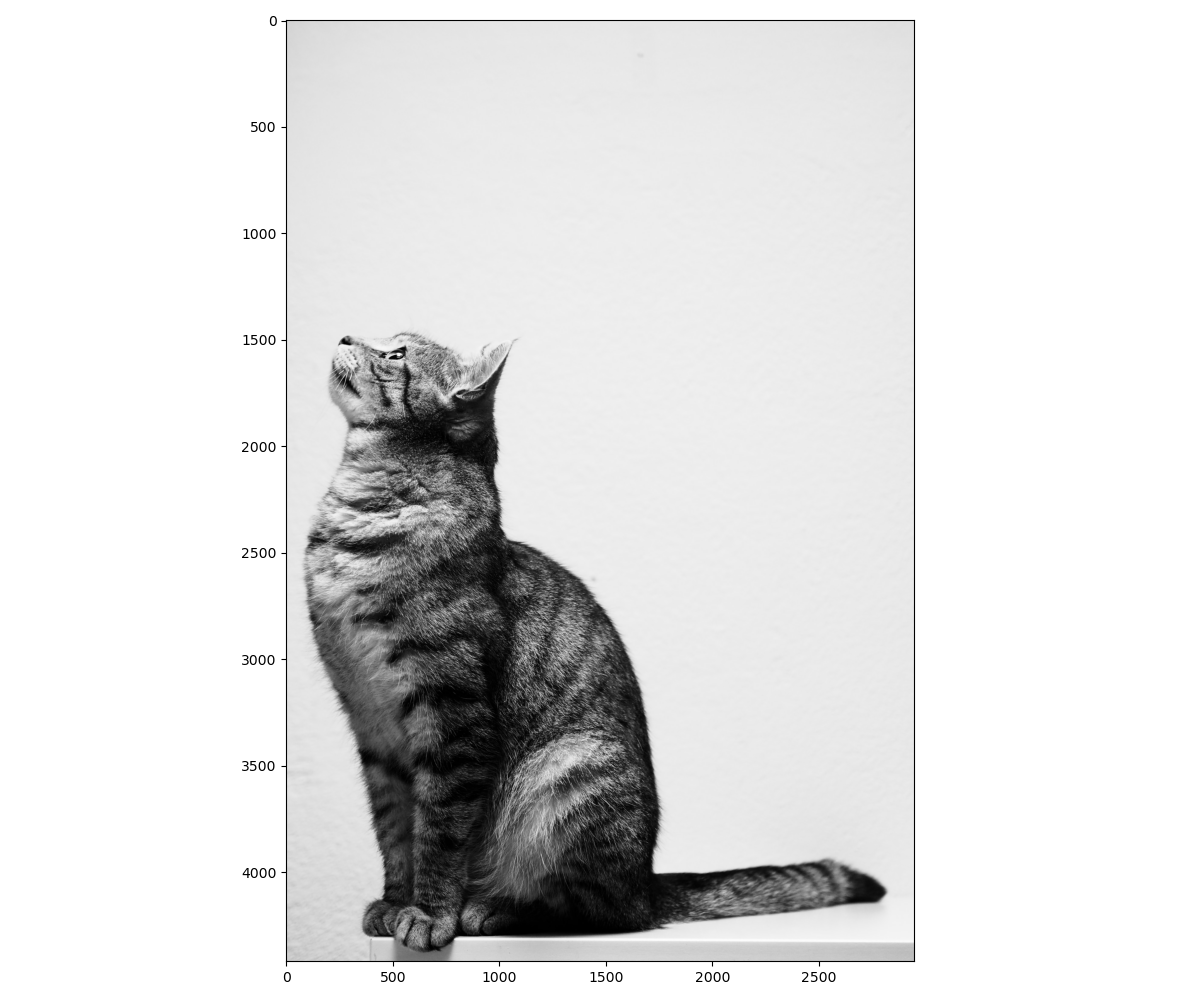
Resizing Image by Scaling width and height of an Image
To implement a resizing by scaling the width and height of an image, pass the arguments $f_x$ and $f_y$ to cv2.resize() with target scale values. The example below rescales the image by half.
cat_resize_half = cv2.resize(cat, None, fx=.5, fy=.5, interpolation=cv2.INTER_LINEAR)

fig = plt.figure(figsize=(24, 15))
plt.imshow(cat_resize_half)
plt.title('Cat Resized Half Width and Height')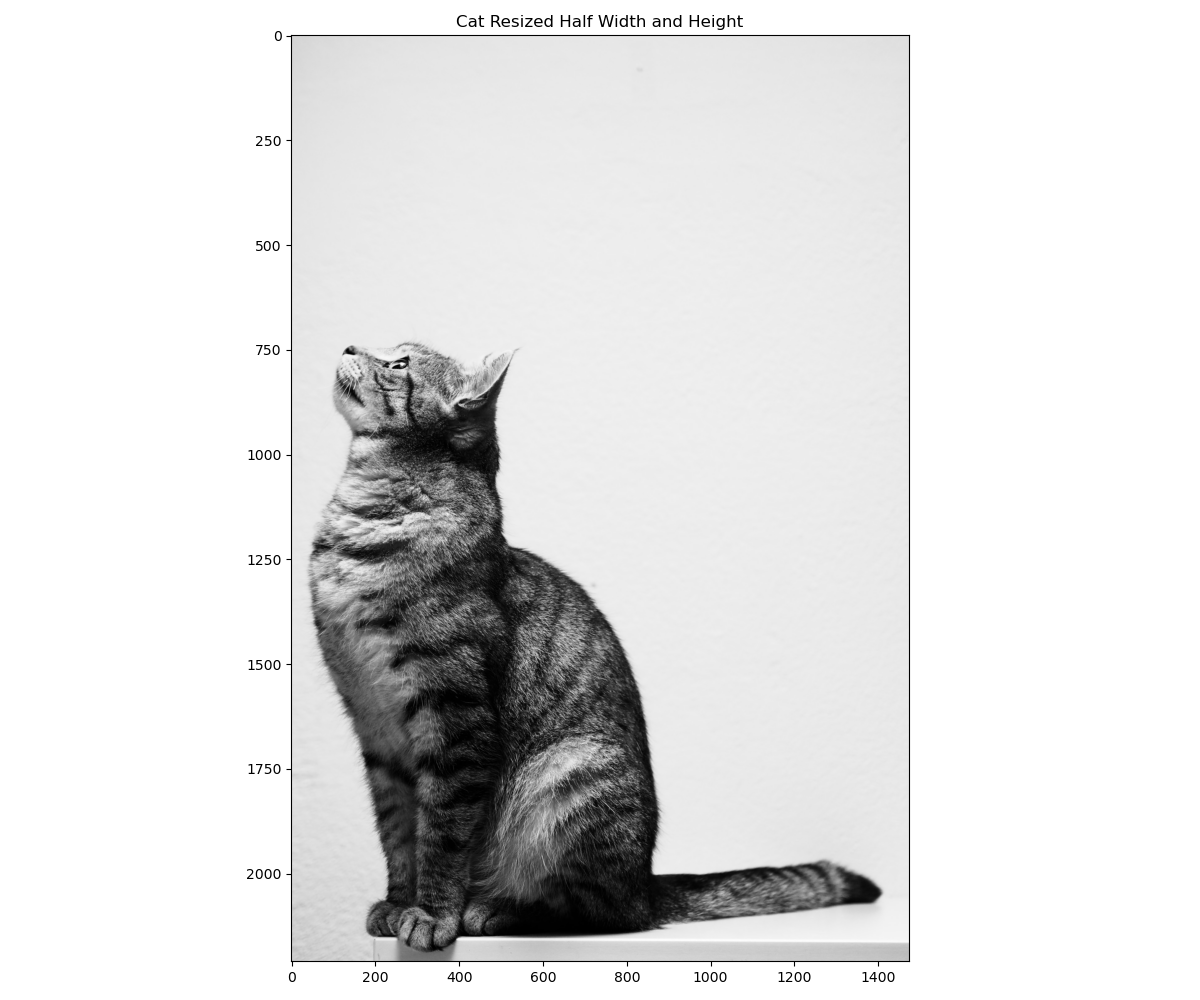
Resizing with Custom Width and Height
Another alternative to resizing is with a custom tuple containing the width and height values. In the example below, we resize the image to $(1500,2000)$.
cat_resize_custom = cv2.resize(cat, (1500, 2000), interpolation=cv2.INTER_LINEAR)

fig = plt.figure(figsize=(24, 15))
plt.imshow(cat_resize_custom)
plt.title('Cat Resized Width (1500), Height (2000)')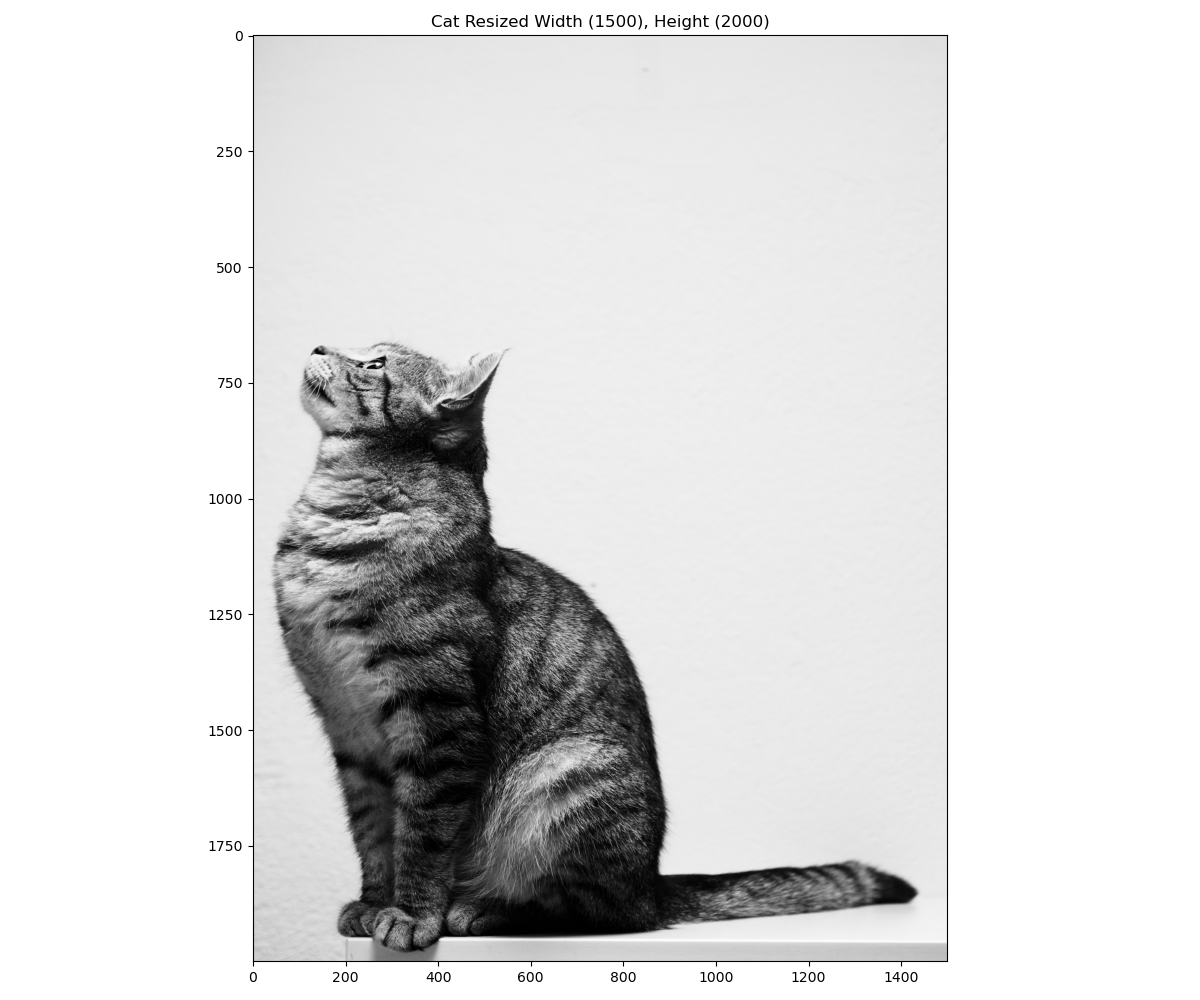
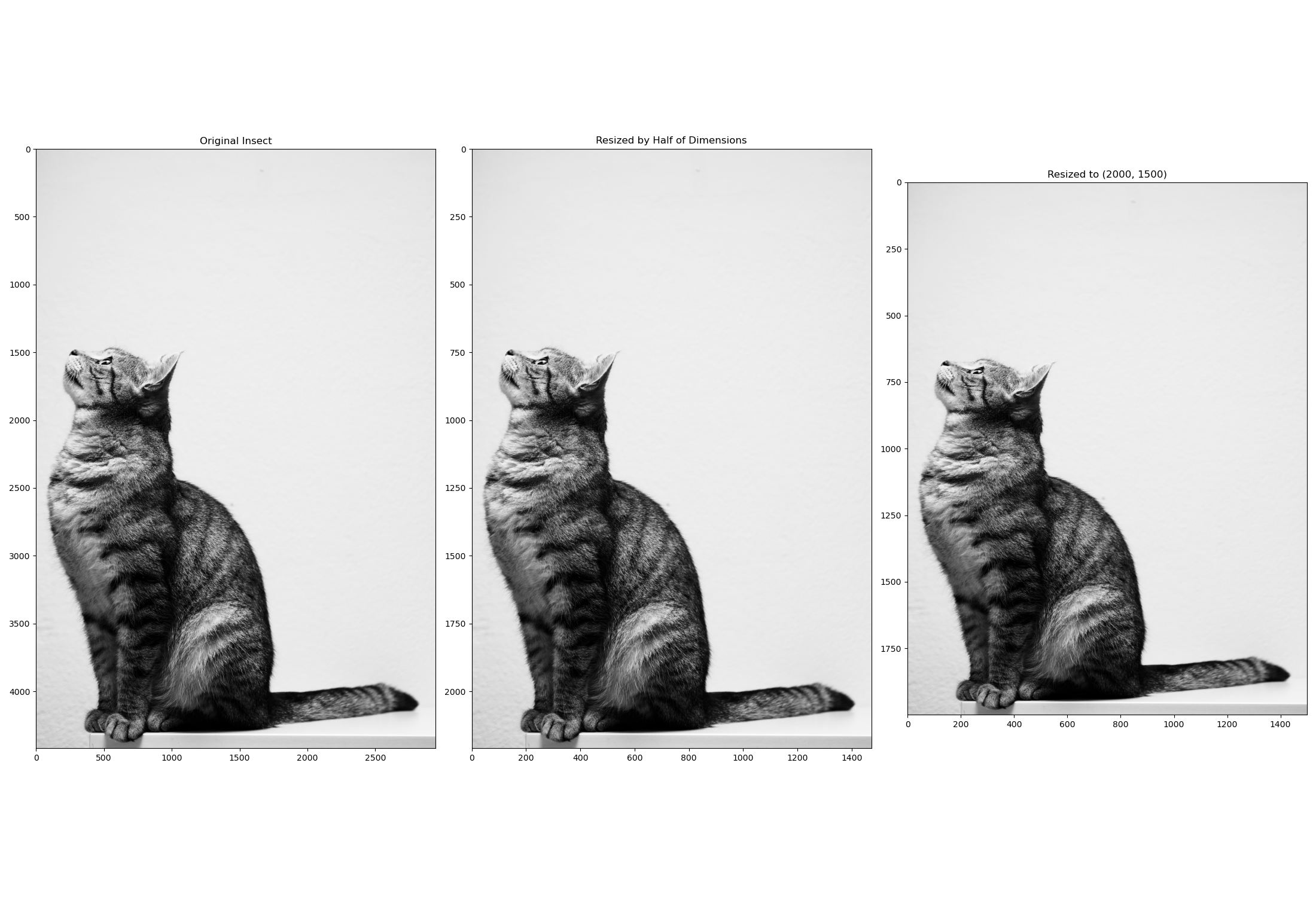
When we compare the resulting resized images side by side to the original, note that while the resized images are smaller in dimension, they still retain a very good representation of the original image.
fig = plt.figure(figsize=(22, 15))

fig.add_subplot(131)
plt.imshow(cat)
plt.title('Original Insect')

fig.add_subplot(132)
plt.imshow(cat_resize_half)
plt.title('Resized by Half of Dimensions')

fig.add_subplot(133)
plt.imshow(cat_resize_custom)
plt.title('Resized to (2000, 1500)')

plt.savefig('comparing_original_and_resized_images.png')